
Without a plan
- Two tries on your own selfie
- Every tool and every cut
- One look per try, saved at preview size
AI hairstyle & makeup try-on
One selfie, six tools, seventeen cuts.
Coming soon · App Store & Google Play
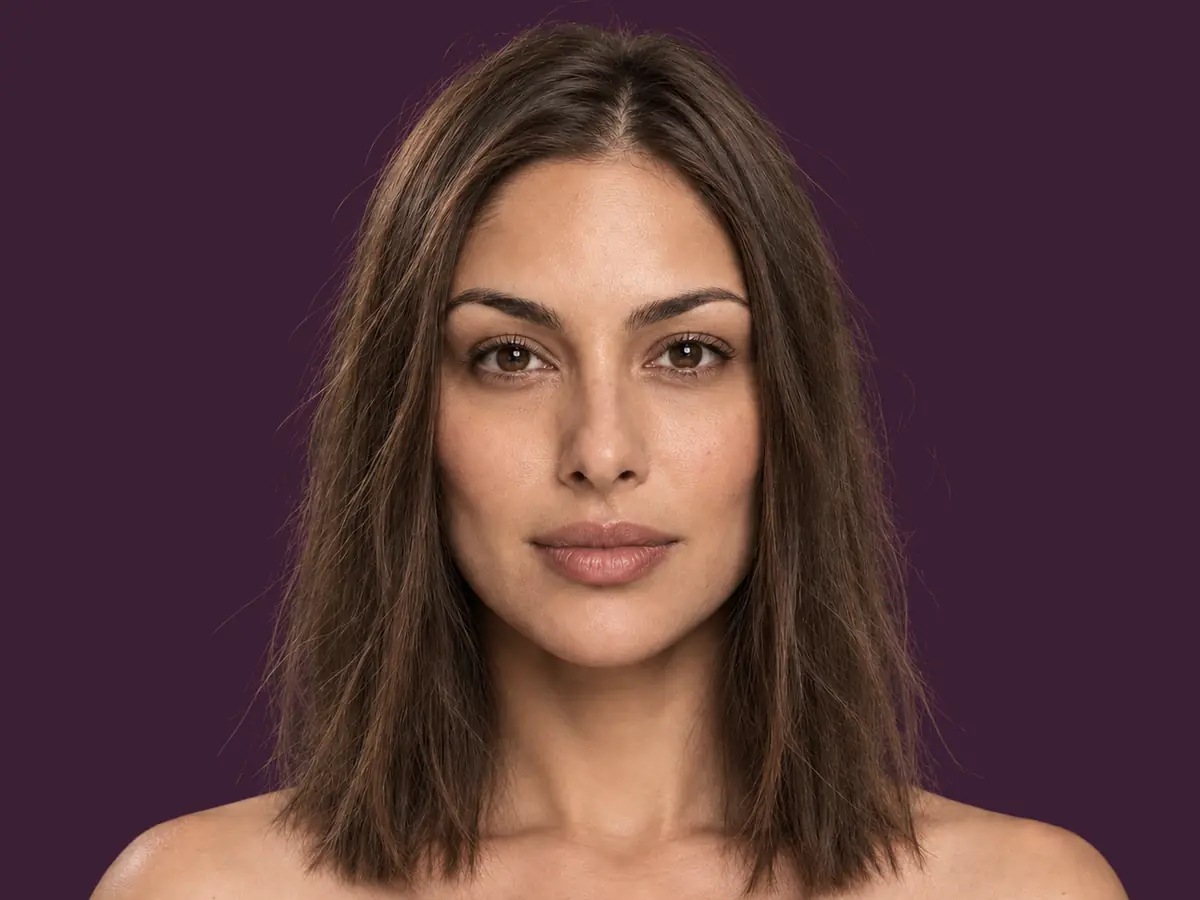
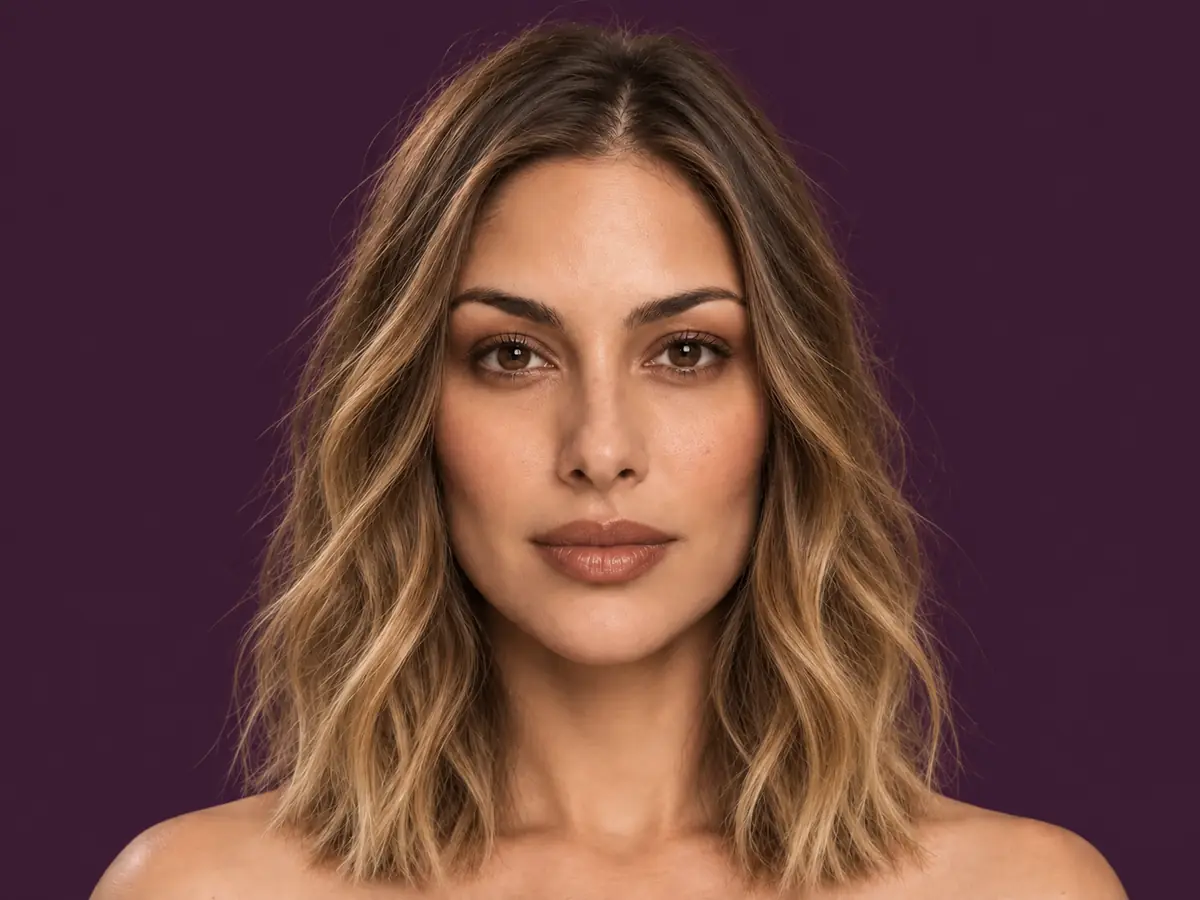
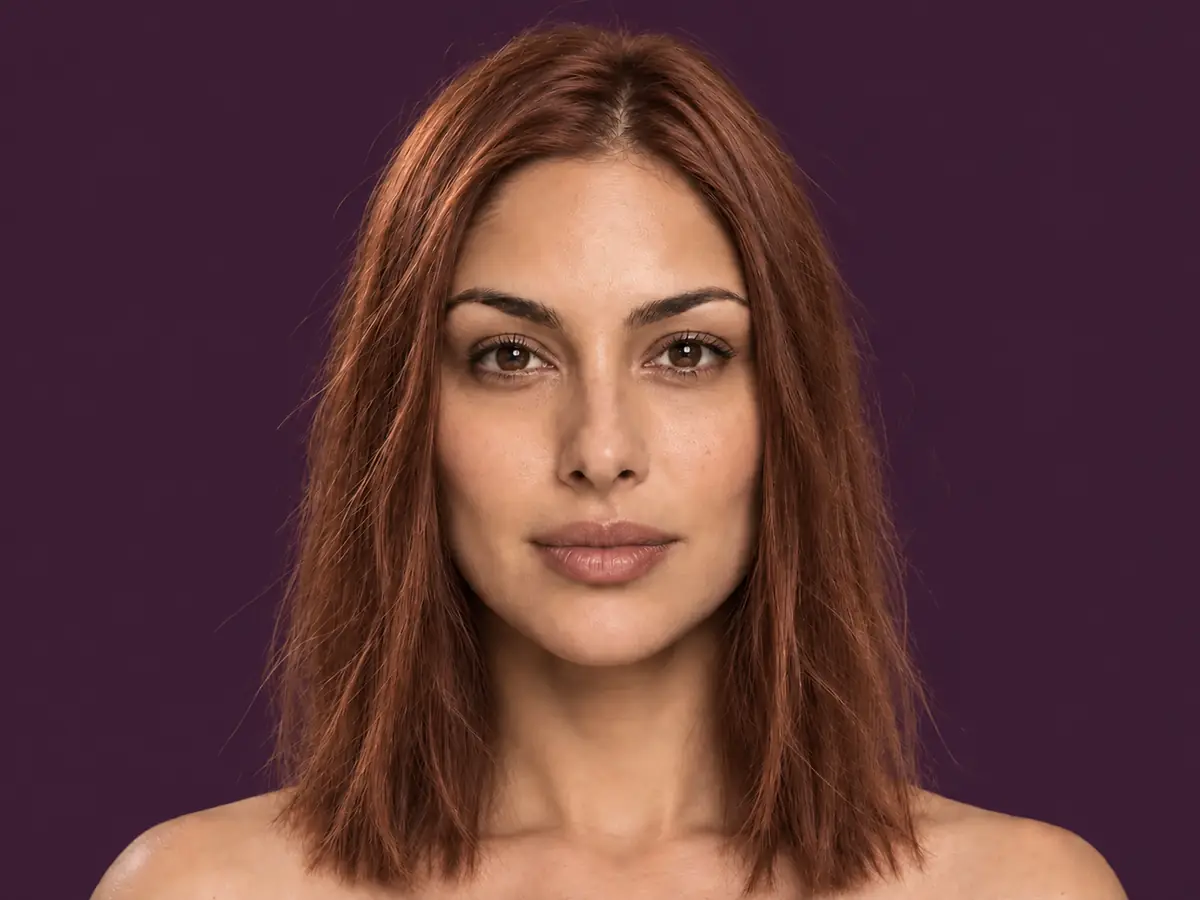
Same cut, a different colour.
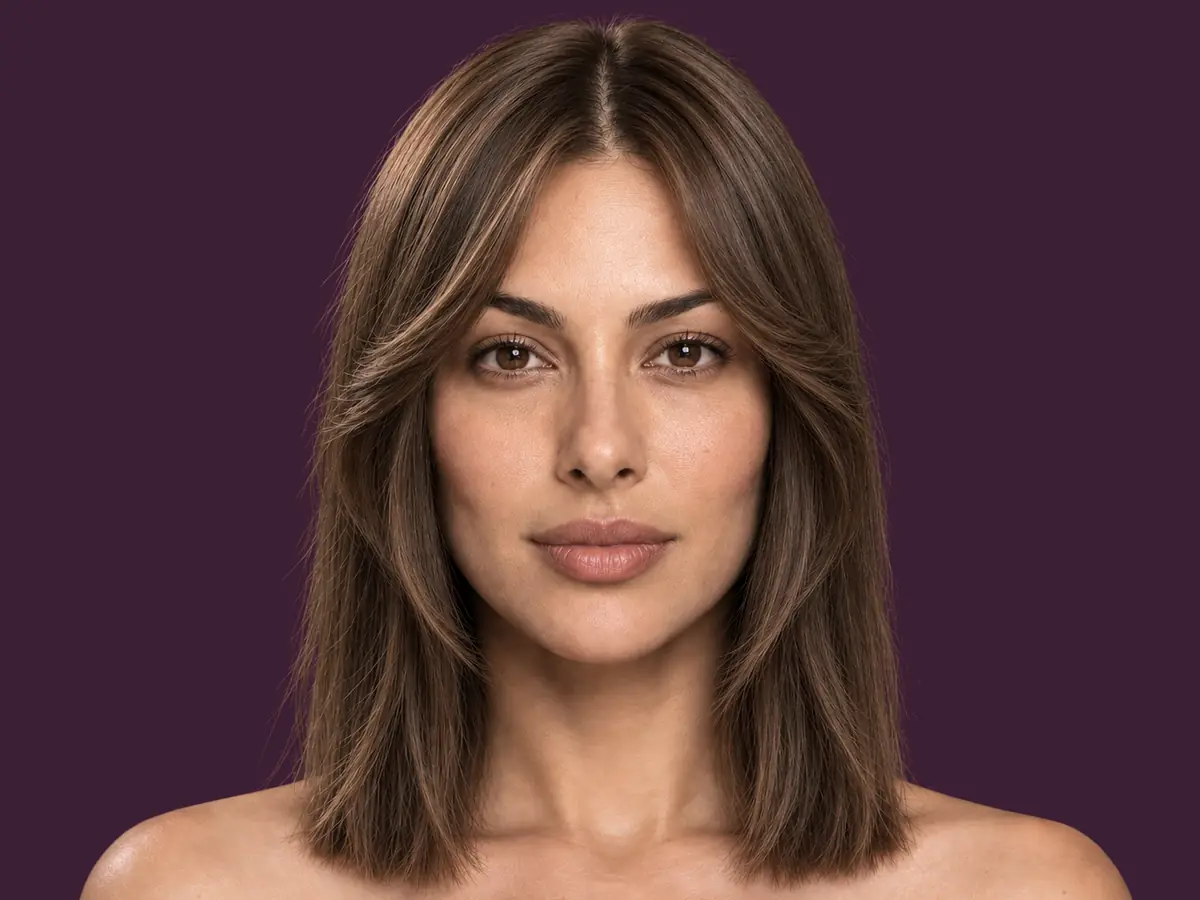
A new cut and shape, from the whole style catalogue.
Cut, colour, makeup and accessories in one try.
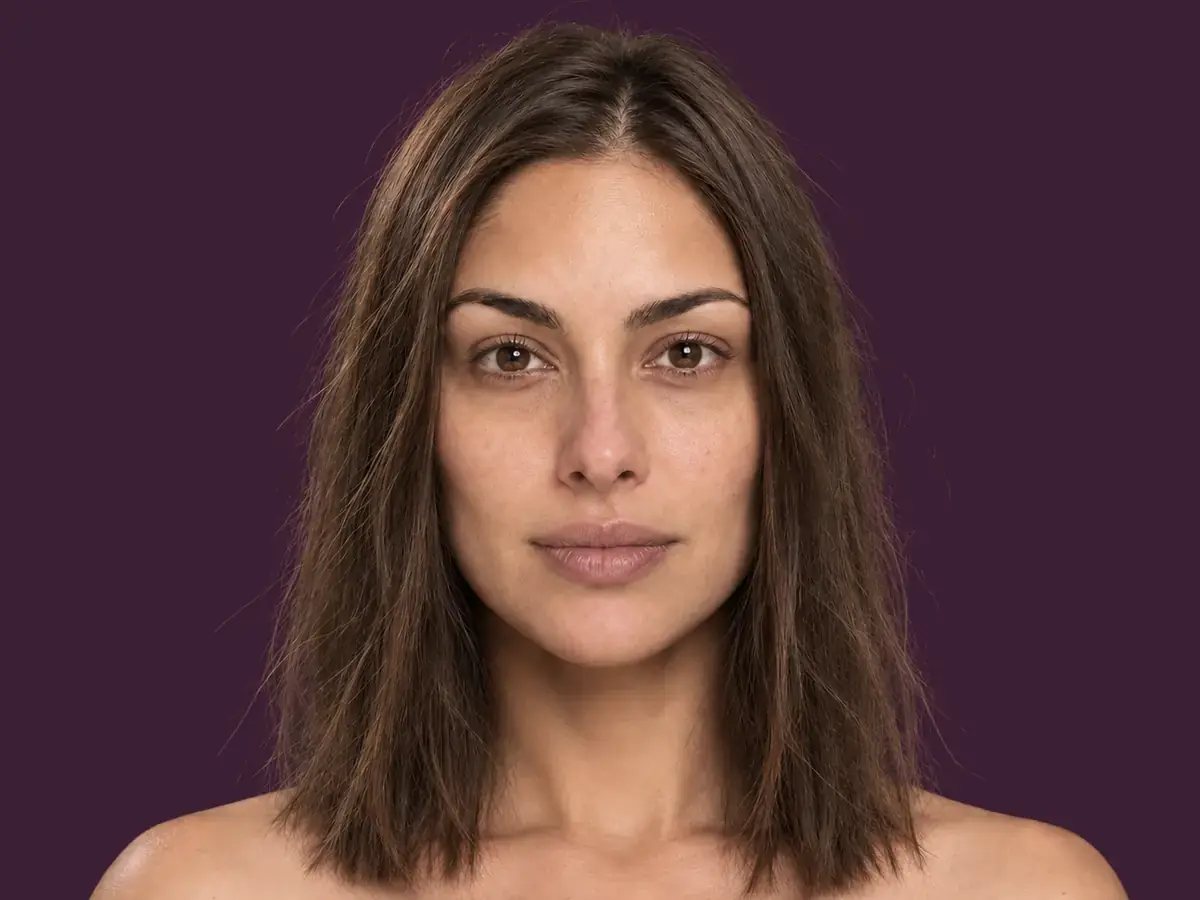
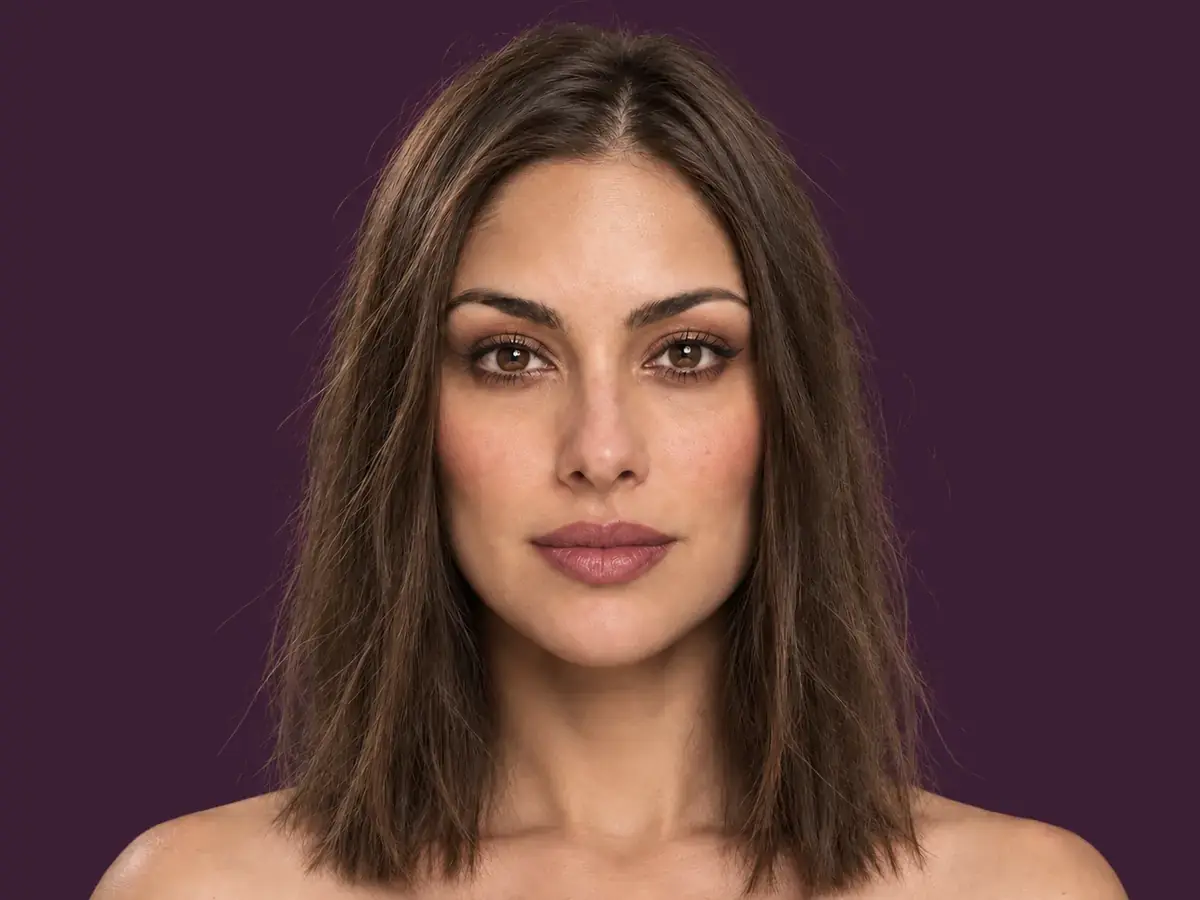
Choose a makeup look and see it on your own face.
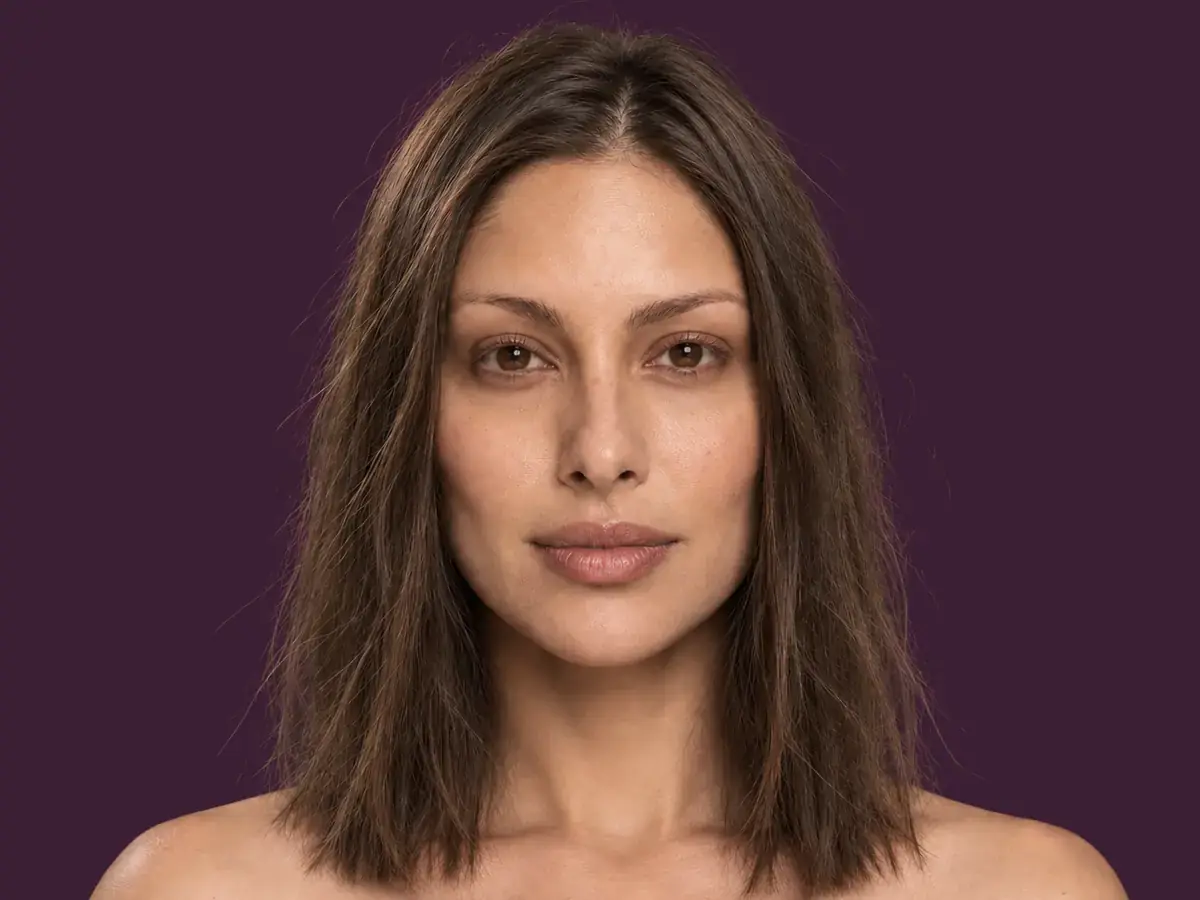
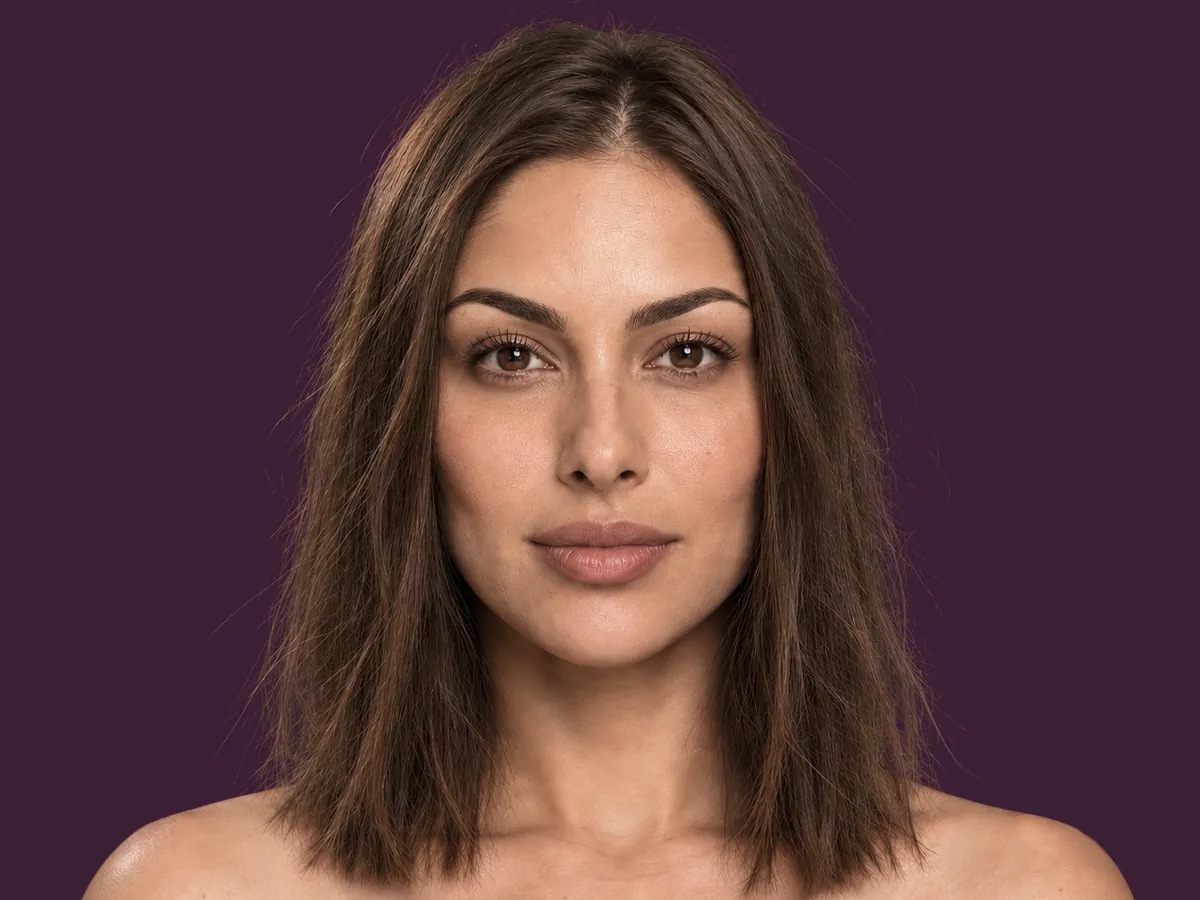
Choose a brow shape and a lash look.
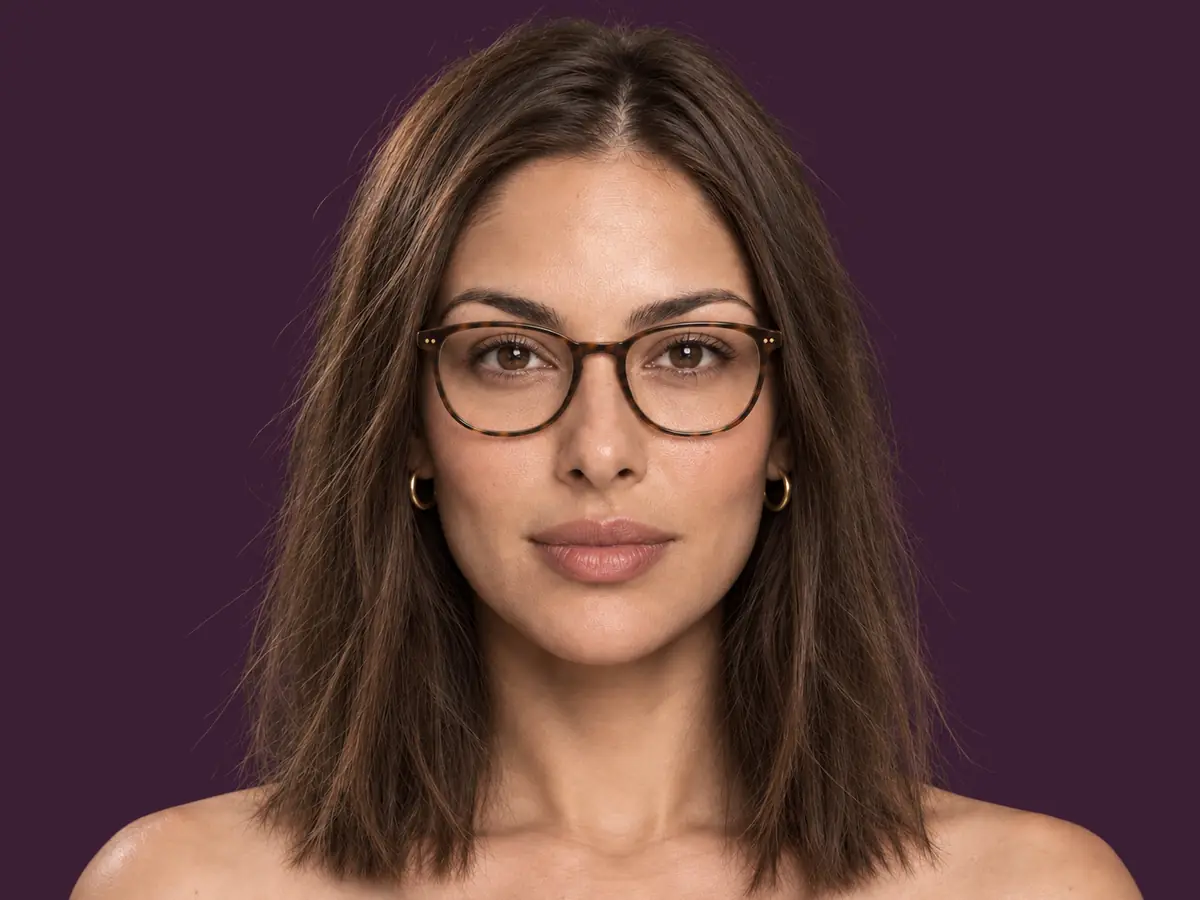
Try one pair of frames or earrings on your own face.
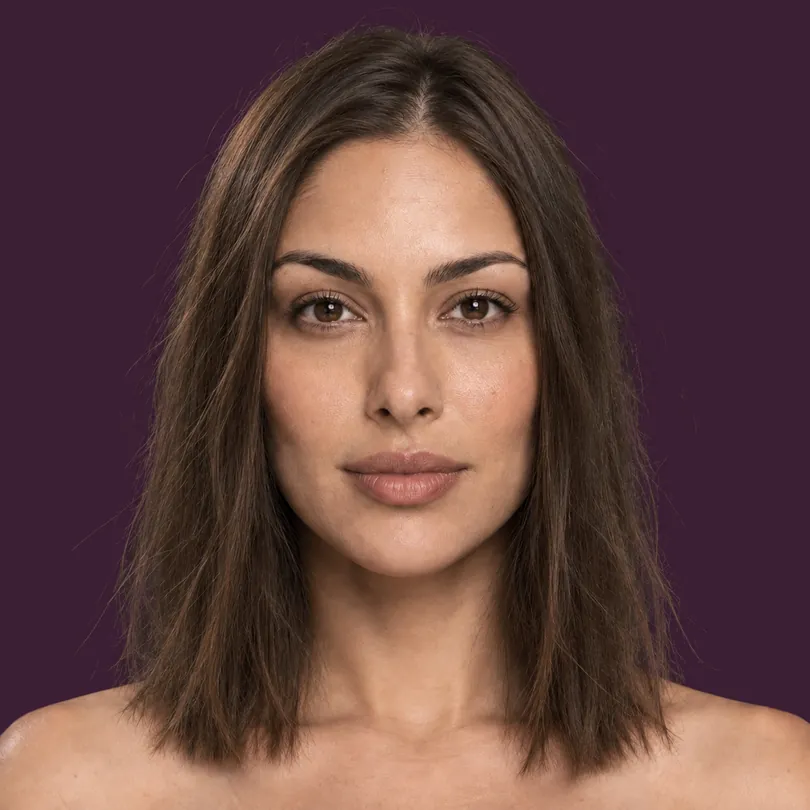
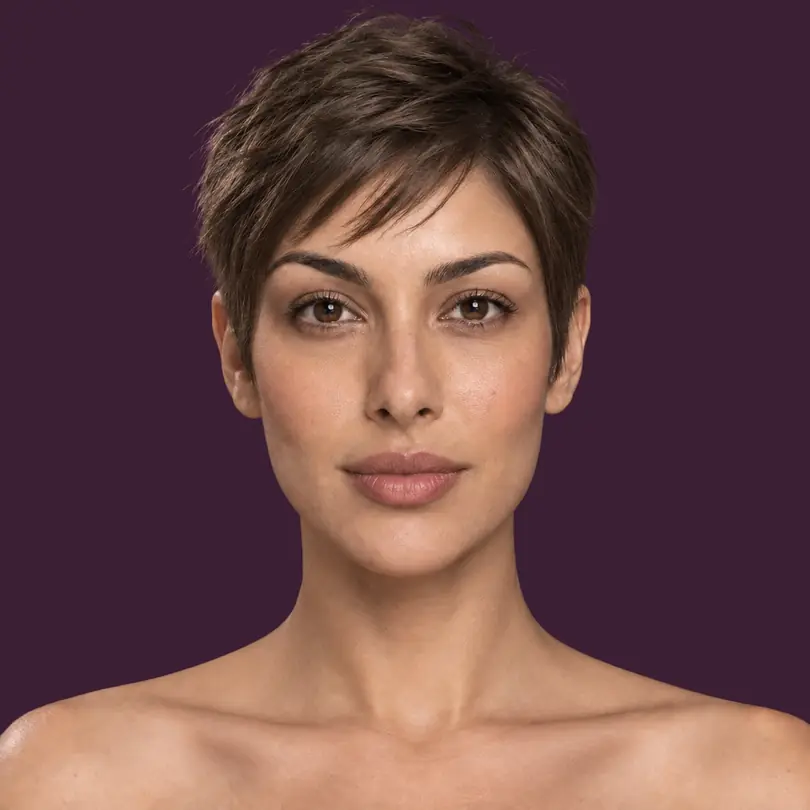
A complete look, copper hair, glasses, bangs and evening makeup.
Prices shown in the app before you buy. Credits refresh each period; unused credits don't carry over. Cancel anytime in App Store or Google Play.
That is the aim: your features and skin tone are meant to stay, and only what you picked should change. An image model redraws the whole picture, though, so details can drift from one try to the next. Compare each look with your own photo.
Six things, all above the collarbone: hair colour, the cut, a complete look, makeup, brows and lashes, and glasses or earrings. There is no tool for your body, your clothes or your skin tone.
It reaches our server when you pick it, and goes to OpenAI to make your look only after you allow it. It is deleted from our server once the look is made. Finished looks are saved on your phone, and we keep no copy once your phone has them (at most 24 hours). The Privacy Policy has the details.
Yes, that is what it is for. Show your stylist the direction you want; whether your hair can get there is their call, not a promise the app makes.
Yes. Without a plan you get two tries on your own selfie, with every tool and every cut, and one look per try that you can save at preview size. A plan adds full-resolution downloads and up to four looks a try.
No. There is no beauty score, attractiveness rating or ranking anywhere in the app. You get looks to compare, and the choice stays yours.
Coming soon · App Store & Google Play